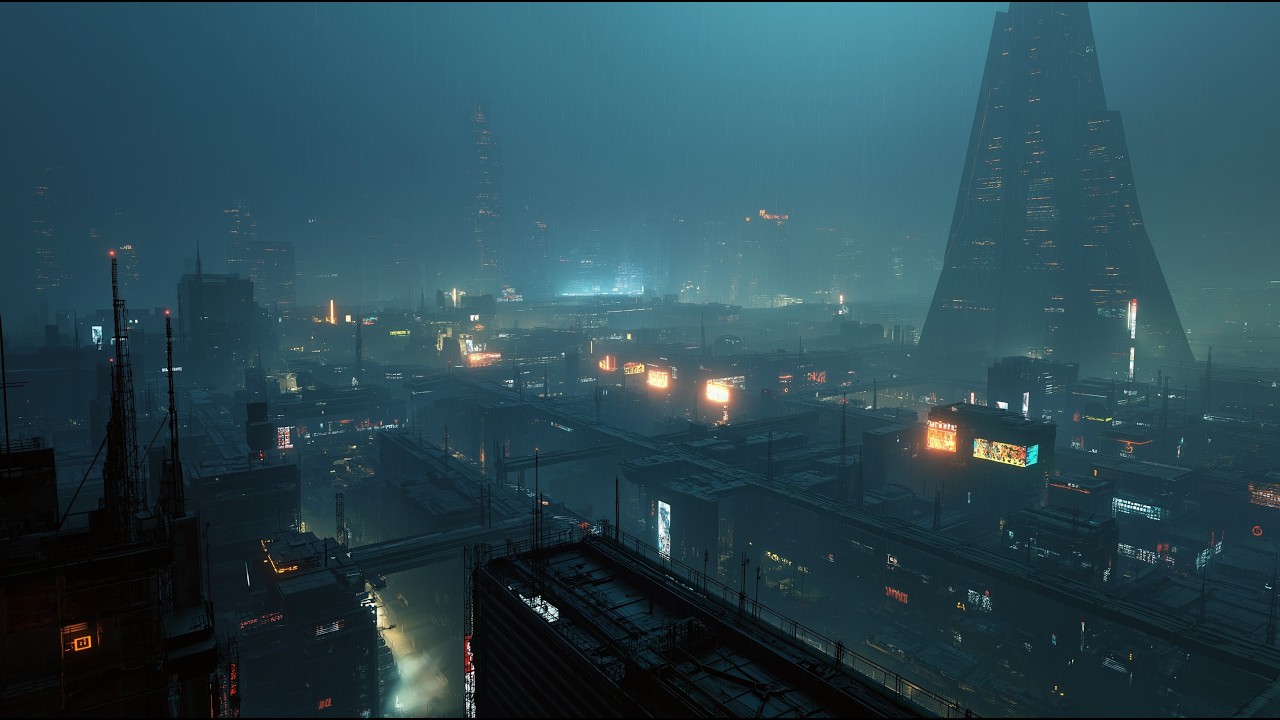
Why resolution matters
HD looks soft
on anything larger
than a laptop.
Project a 1080p visual onto a 10-foot screen and the pixels are visible from the front row. Blow up a 720p YouTube clip to fill a 65-inch venue TV and the edges go mushy. Upscaled HD has a softness your audience can feel even when they can't articulate it.
Native 4K — 3840 × 2160 pixels — has four times the detail of 1080p. On projectors, LED walls, and large screens, the difference isn't subtle. Edges stay crisp. Textures hold detail. Gradients stay smooth instead of banding. The visual looks generated at high resolution, not stretched to fit.
For surreal AI-generated content — where the visual interest lives in the organic details, the subtle color shifts, the micro-textures that make a landscape feel alive — resolution is the difference between immersion and approximation.
Technical specifications
Resolution
Up to 3840 × 2160 (4K UHD)
Streaming
HLS adaptive bitrate
Auto-quality
Adjusts to your connection in real-time
Minimum for 4K
~25 Mbps sustained
Graceful fallback
1080p → 720p → lower if needed
Buffering
Degrades quality before buffering
Where 4K makes the biggest difference
Festival projectors and LED walls. A 10-foot projection screen resolves every pixel. HD content goes soft from the front row. Native 4K stays sharp from front to back. If you're projecting at any scale larger than a TV, resolution is the difference between "production value" and "stretched out YouTube video."
Venue TVs at 55"–85". At these sizes, the difference between 1080p and 4K is immediately visible — especially on close-up content like the organic textures and micro-details in AI-generated surreal visuals. Upscaled HD looks smeared. Native 4K looks alive.
Content creators. Filming with a 4K visual background and downscaling for social means your source is always sharper than your output. A 4K stream downscaled to 1080p for YouTube looks better than a native 1080p source because the additional detail survives compression.
Every visual in the Surrealism.ai library streams in native 4K UHD. No ads. Up to 12 hours. Plans from $149.60/year. See all plans →
Adaptive streaming — never buffer, always the best quality
Our videos stream using HLS (HTTP Live Streaming) with adaptive bitrate. In plain terms: the stream constantly measures your connection speed and delivers the highest quality your bandwidth can sustain.
On a strong connection (25+ Mbps), you get full 4K UHD. If the connection dips — guest WiFi gets crowded, the venue's network hiccups — the stream drops to 1080p or 720p automatically. When bandwidth recovers, it scales back up. The transition is seamless.
The priority is never buffering. A lower-resolution visual that plays smoothly is always better than a 4K stream that stutters. You'll never see a loading spinner during a set.
How 4K looks at every scale
More features
Solutions
Maximum fidelity.
$149.60/year. Full library. Native 4K. Every plan. Billed annually.
Get instant accessFrequently asked questions
Do I need a 4K screen to watch?
No. The adaptive bitrate streams the best quality your screen and connection can handle. On a 1080p screen, you get 1080p. On a 4K screen with solid internet, you get full 4K. It adjusts automatically.
What internet speed do I need for 4K?
About 25 Mbps sustained for stable 4K streaming. If your connection drops, the stream degrades gracefully to 1080p or 720p rather than buffering. For venues, we recommend a dedicated connection separate from guest WiFi.
Will 4K work on a projector?
If your projector accepts a 4K input, yes. Many projectors downscale to their native resolution, but the source quality still matters — a 4K stream downscaled to 1080p looks sharper than a native 1080p stream because of the additional detail in the source.
Is this actually native 4K or upscaled?
Native. The AI generates at high resolution. The content is encoded and streamed at true 4K UHD resolution — not upscaled 1080p with sharpening.